English
 Deutsch
 Turkish
 Indonesia
 Vietnamese
 Português
 French
 Arabic
 Korean
 HongKong
 Espanol
 Hindi
Hindi
 Russian

{{ variable.name }}
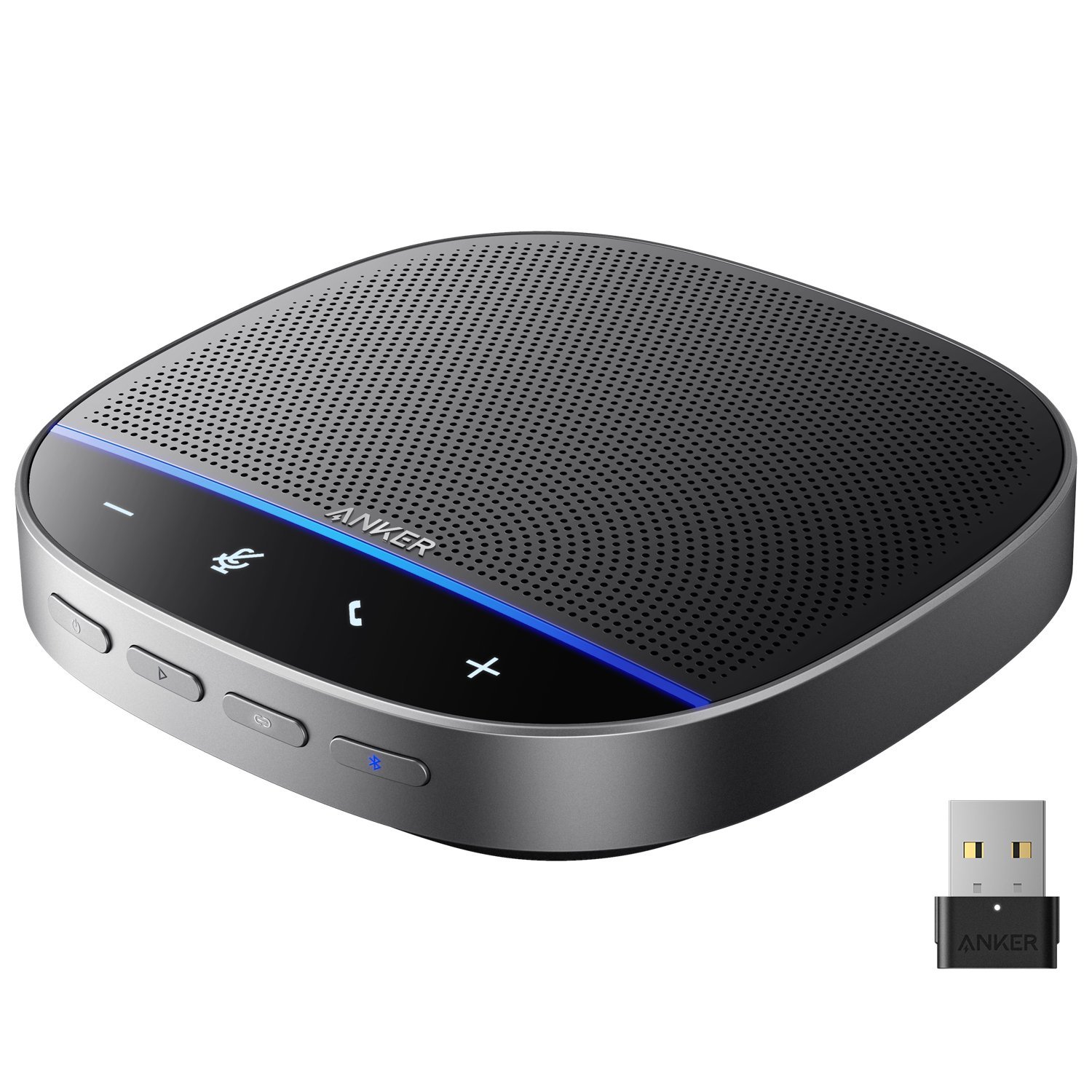



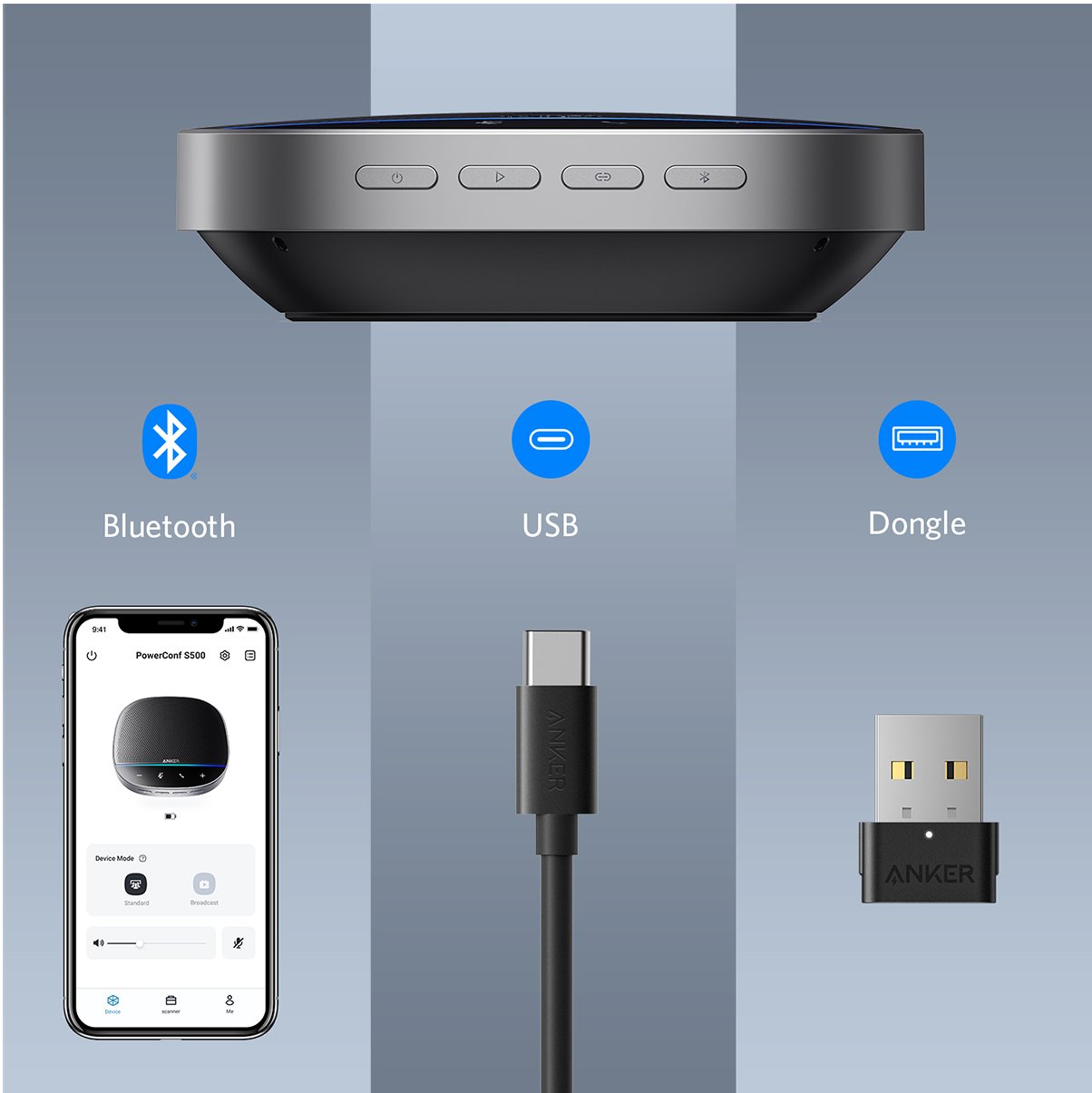


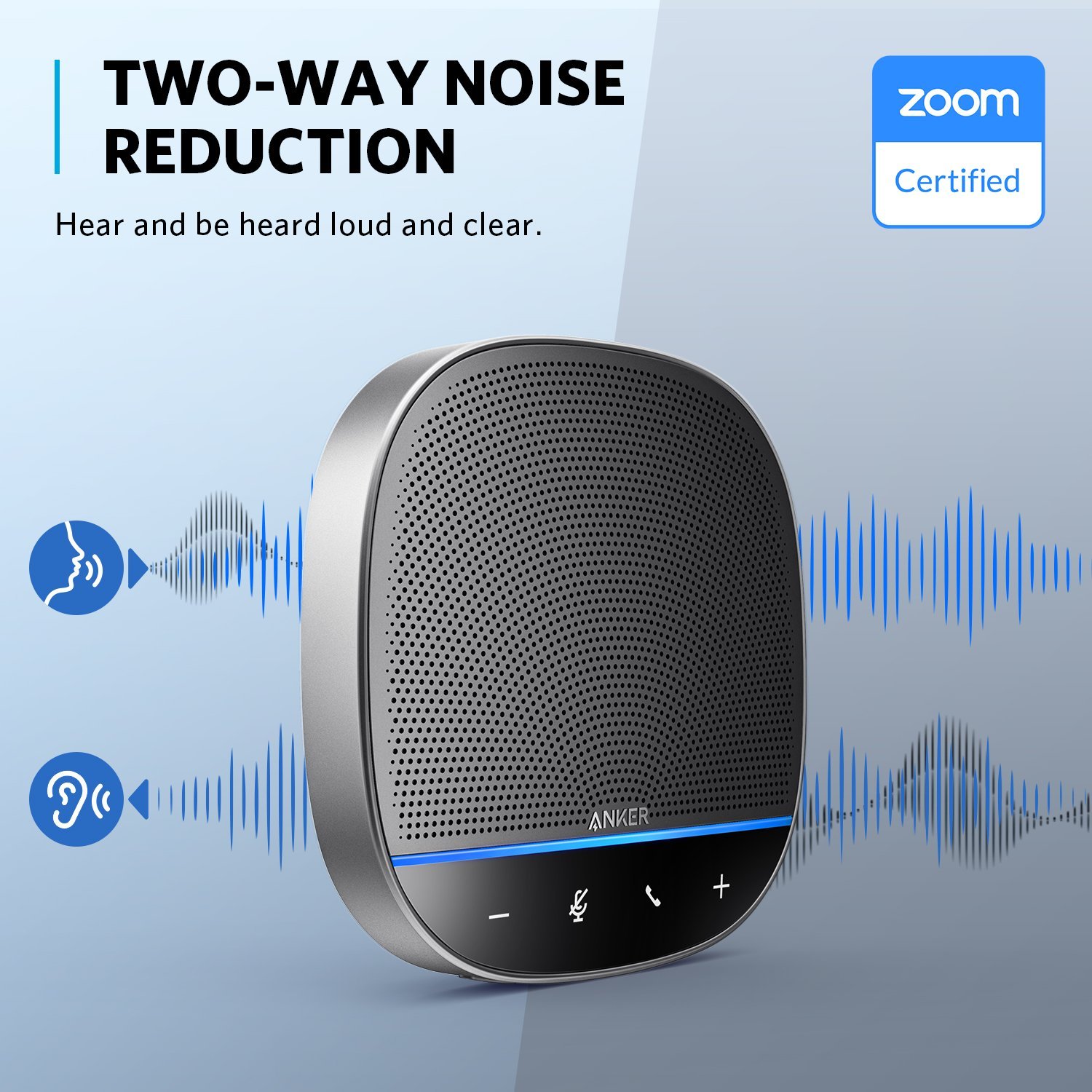


Anker Work computer software via USB: - Install the Anker Work app on your phone (download it from your phone's app store). - Connect your phone to PowerConf S500 via Bluetooth. - Find PowerConf S500 in Anker Work>PowerConf S500. - Click More Information>Update Firmware>Download to start updating. Note: To get a better OTA update experience, we recommend installing AnkerWork computer software to process firmware updating: http://software.anker.com/
How do I connect PowerConf S500 to my devices?
Mobile devices: Bluetooth connection Computers and laptops: USB and Bluetooth connection. USB is recommended for a more stable connection.How do I set my PowerConf S500 as the default
audio device on my Windows computer?
- Right click the volume icon in the lower right corner of the desktop. - Select "Open Sound Settings." - Select PowerConf S500 for "Input" and "Output."How do I set up PowerConf S500 with my meeting software?- Go to the audio options on your conference communication tool. - Select PowerConf S500 for the microphone. - Select PowerConf S500 for the speaker.
How do I improve the microphone's ability to pick up voices on my speakerphone?
- Keep within 5 meters of the speakerphone. - Remember to update your firmware. - It's recommended to use a USB connection when operating on computers and laptops.
Why isn't there sound coming out from the speaker when it is connected at the same time to two devices through USB and Bluetooth?
Hold the "Play" button for two seconds to switch between Bluetooth and USB modes. The light bar will flash blue to indicate a successful mode switch.
How do I reset PowerConf S500?
Press and hold down the Bluetooth button and "-" volume button. The light bar will turn red and then it will restart.How do I force shutdown PowerConf S500?Press the link button and the power button at the same time.
How do I clear the connection history on the Anker A3303 Bluetooth dongle?
Windows: - Plug in the dongle. - Click the loudspeaker icon on the bottom right menu bar of your PC. - Make sure the "Anker Soundsync A3303" has been selected as the default audio device. - Left-click the loudspeaker icon under the Anker Soundsync A3303 four times. MacOS: - Plug in the dongle. - Make sure the "Anker Soundsync A3303" has been selected as the default audio device. - Click the Mute button on MacBook four times.
How do I check the power level on my PowerConf S500?
You can: - Check the power level on the Anker Work app. - Click the "Power" button if the speakerphone is already on. The light bar will show the remaining power.
How to set up linking mode?
1. Connect one PowerConf S500 to your PC using the provided USB-C cable.
2. Turn on another PowerConf S500, then press the link button on both PowerConf S500 speakerphones simultaneously to enter linking mode.
3. To exit linking mode, press and hold the link button for 2 seconds simultaneously on both PowerConf S500 speakerphones.
Note: Linking mode is available only when you connect one PowerConf S500 with your PC using the USB-C cable. It is not available when connecting via Bluetooth.
How to connect PowerConf S500 with 2 mobile devices via Bluetooth at the same time?
1. Connect one device with PowerConf S500 via Bluetooth.
2. Press the Bluetooth button on the speakerphone to re-enter Bluetooth pairing mode to connect another Bluetooth device. Note: You can press the Bluetooth button again on the device that’s currently paired to disconnect from that device.
Is PowerConf S500 compatible with a landline telephone system?
No.Will it turn off automatically?If there are no connections or signals to PowerConf S500 or any activity in the customized settings of the Anker Work app, it will automatically power off after 30 minutes. You can disable this feature on the Anker Work app.
{{ comment.customer_name }}
{{ comment.created_at.substr(0,10) }}

-400x400.jpg)